Joomla is fast out of the box, but real-world sites often accumulate extensions and templates that slow everything down. The good news: most performance problems come from a handful of fixable causes.
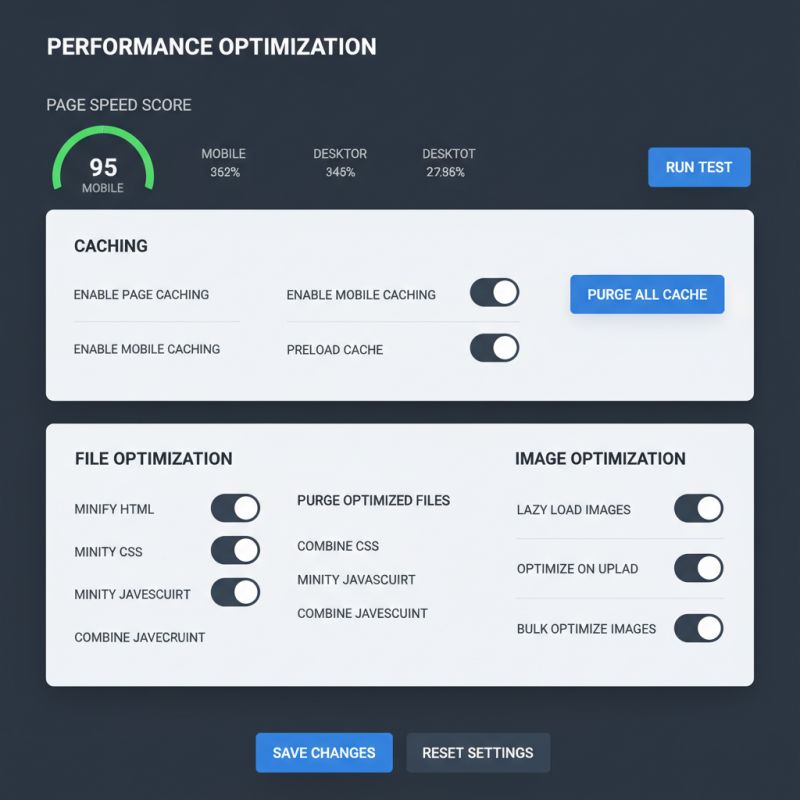
Start with caching. Enable Joomla's built-in page cache and browser cache, then check your template settings — many premium templates ship with their own optimization options that are disabled by default.
Images are the next bottleneck. Compress every image before uploading, serve modern formats where possible, and lazy-load anything below the fold. A dedicated optimization extension can automate all of this.
Then audit your extensions. Disable or uninstall anything you do not use, especially old plugins that load scripts on every page. Every request your browser makes costs time.
Finally, choose a host with modern PHP and a server-level cache. Combined with a content delivery network for static assets, these steps routinely cut load times in half.
Our performance extension for Joomla handles caching, minification and lazy loading in one package, and it plays nicely with the core cache.