Every SaaS product eventually needs a dashboard, and building one from scratch is a trap. Months of design decisions — spacing, states, empty screens, responsive behavior — have already been solved by good UI kits.
A quality kit gives you more than pretty buttons. It gives you a system: consistent tokens for color and type, documented component states, and patterns for the hard parts like data tables, filters and notifications.
Start by inventorying your screens. List every view your product needs — onboarding, billing, settings, the core data views — and check the kit covers them. Gaps in the kit become custom work later.
Customization matters too. Choose a kit built on CSS variables or design tokens so you can re-theme it to your brand in hours, not weeks. Avoid kits that hard-code colors into every component.
Finally, think about your stack. A kit delivered in clean HTML and CSS drops into React, Vue or plain templates equally well, while framework-specific kits trade portability for convenience.
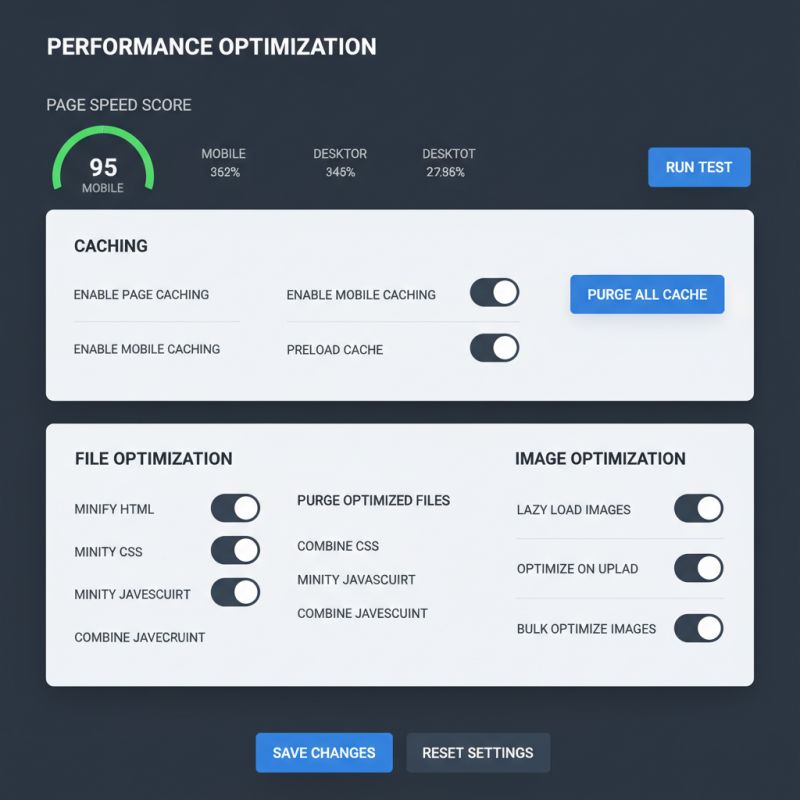
Our dashboard UI kit ships with over a hundred components, design tokens and dark mode variants — everything you need to ship a professional SaaS interface in days.